EU & Open-Source Alternatives to Slack (2026)
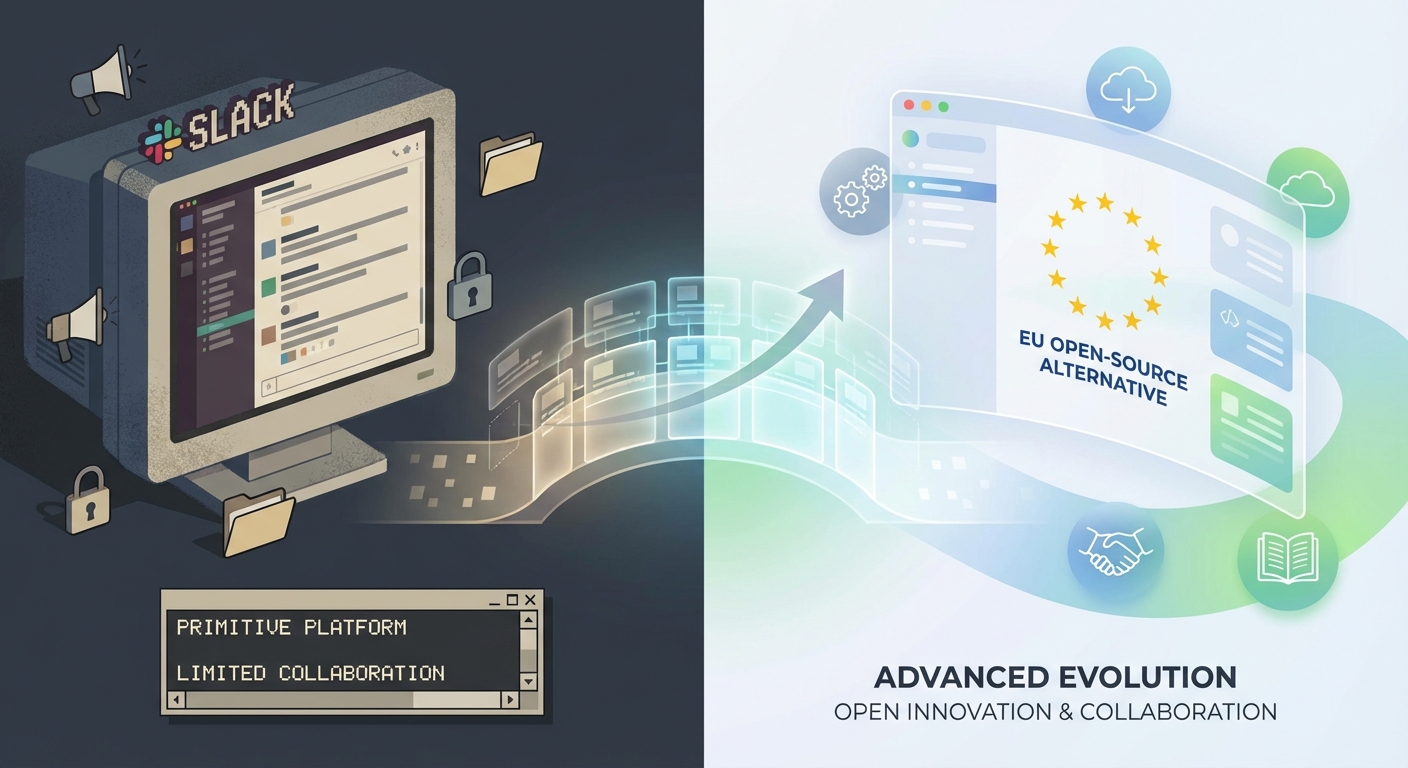
You’re likely here because you want to reduce dependency on US-based tools (like Slack) for compliance, data sovereignty, or cost reasons. This guide helps you evaluate, migrate, and adopt EU-hosted or open-source alternatives—without sacrificing functionality or user experience.
Table of Contents
TL;DR: Top EU/Open-Source Slack Alternatives
| Tool | Best For | Key Features | Hosting | Open-Source? |
|---|---|---|---|---|
| Matrix/Element | Privacy, self-hosting, compliance | E2E encryption, decentralized, bridges to Slack/Teams, GDPR-ready | Self/Cloud (EU) | ✅ Yes |
| Rocket.Chat | Enterprise, customization | Slack-like UI, omnichannel, audit logs, on-prem/EU cloud | Self/Cloud (EU) | ✅ Yes |
| Mattermost | Dev/ops teams, security | GitLab/Jira integrations, SOC2/GDPR, self-hosted or EU cloud | Self/Cloud (EU) | ✅ Yes |
| Zulip | Threaded conversations | Topic-based threads, open-source, self-hosted or EU cloud | Self/Cloud (EU) | ✅ Yes |
| Wire | High-security comms | E2E encrypted, GDPR/ISO27001, voice/video, EU servers | Cloud (EU) | ❌ No |
| Nextcloud Talk | Integrated workflows | Part of Nextcloud suite, file sharing, video calls, GDPR-compliant | Self/Cloud (EU) | ✅ Yes |
| Riot.im | Matrix-based, simple setup | User-friendly Matrix client, bridges to IRC/Slack, EU-hosted options | Cloud (EU) | ✅ Yes |
Why Switch from Slack?
Data Sovereignty & Compliance
- Slack’s data handling: Stores messages/data in US/EU (but subject to US laws like CLOUD Act).
- EU alternatives: Hosted in EU data centers (e.g., Germany, France), GDPR-compliant by default, no US jurisdiction risks.
- Open-source: Full control over data, no vendor lock-in, auditability.
Cost & Vendor Lock-in
- Slack’s pricing scales aggressively with users/features.
- Open-source/EU tools often offer flat-rate pricing, self-hosting, or pay-per-use models.
Customization & Integration
- Slack’s integrations are US-centric (e.g., Salesforce, AWS).
- EU tools integrate with EU-based services (e.g., Nextcloud, Odoo, Sovereign AI tools).
Future-Proofing
- Avoid sudden policy changes (e.g., Slack’s AI training on customer data).
- Open-source tools let you modify, extend, or fork the platform as needed.
Key Considerations When Choosing an Alternative
Hosting & Data Residency
- Self-hosted: Full control (e.g., Matrix, Mattermost, Rocket.Chat).
- EU cloud: Managed hosting in EU data centers (e.g., Wire, Nextcloud, Element).
- Hybrid: Some tools (e.g., Rocket.Chat) offer both.
Feature Parity
- Must-haves: Threads, file sharing, search, @mentions, API/webhooks.
- Nice-to-haves: Video calls, screen sharing, guest access, bots.
- Slack-specific: Check for bridges/migration tools (e.g., Matrix’s Slack bridge).
Security & Compliance
- Encryption: E2E encryption (Wire, Matrix, Mattermost).
- Certifications: GDPR, ISO 27001, SOC 2 (Rocket.Chat, Mattermost).
- Access controls: RBAC, SSO, audit logs (critical for enterprise).
Migration & Adoption
- Export/import tools: Can you move Slack history? (e.g., Mattermost’s Slack import).
- User training: Open-source tools may have steeper learning curves.
- Community/support: Active EU-based support (e.g., Nextcloud, Matrix).
Cost
- Open-source: Free to use (self-hosted), but factor in server costs.
- Cloud hosting: EU providers often charge per user/month (e.g., Wire: ~€5/user).
- Enterprise plans: Rocket.Chat/Mattermost offer flat-rate pricing for large teams.
Deep Dive: Top Tools
Matrix/Element
Best for: Privacy-focused teams, decentralized communication, compliance. Why?
- Decentralized: No single point of failure; host your own server or use EU providers (e.g., Element Matrix Services).
- Bridges: Connect to Slack, Teams, IRC—gradual migration possible.
- E2E encryption: Default for 1:1 and group chats.
- Open-source: Full control over data and features.
Limitations:
- Self-hosting requires technical setup.
- UI less polished than Slack (but improving).
Pricing:
- Self-hosted: Free.
- Cloud (EU): ~€4–€8/user/month.
Use Matrix if: ✅ You need data sovereignty and no US jurisdiction. ✅ You want interoperability with other tools (e.g., Slack, Teams). ✅ You’re okay with some setup complexity.
Rocket.Chat
Best for: Enterprises, teams needing Slack-like UX with EU hosting. Why?
- Slack-like UI: Familiar feel, minimal training needed.
- Omnichannel: Supports chat, email, SMS, and live chat for customers.
- Compliance: GDPR, HIPAA, SOC 2, self-hosted or EU cloud.
- Integrations: Zapier, Jira, GitHub, and EU tools (e.g., Nextcloud).
Limitations:
- Self-hosted version requires maintenance.
- Some advanced features (e.g., video calls) need plugins.
Pricing:
- Self-hosted: Free (Community Edition).
- Cloud (EU): ~€4–€12/user/month.
- Enterprise: Flat-rate pricing available.
Use Rocket.Chat if: ✅ You want a drop-in Slack replacement with EU hosting. ✅ You need enterprise-grade security and audit logs. ✅ You’re okay with some self-hosting overhead.
Mattermost
Best for: Dev/ops teams, security-conscious orgs, GitLab/Jira users. Why?
- Built for developers: Deep integrations with DevOps tools (GitLab, Jenkins).
- Self-hosted/EU cloud: Full data control, GDPR-compliant.
- Slack import: Migrate channels, users, and messages easily.
- Open-source: Extend with plugins or custom code.
Limitations:
- UI feels more “technical” than Slack.
- Video calls require plugins (e.g., BigBlueButton).
Pricing:
- Self-hosted: Free (Team Edition).
- Cloud (EU): ~€7/user/month.
- Enterprise: Flat-rate pricing.
Use Mattermost if: ✅ You’re a tech team using GitLab/Jira. ✅ You need self-hosting with minimal friction. ✅ You want Slack-like features without US data risks.
Zulip
Best for: Teams that love threaded conversations (like email threads). Why?
- Topic-based threads: Organizes discussions by subject (less noise than Slack).
- Open-source: Self-host or use EU cloud providers.
- Integrations: GitHub, Jira, Trello, and custom bots.
Limitations:
- Unique workflow—may require user training.
- Fewer “social” features (e.g., emoji reactions).
Pricing:
- Self-hosted: Free.
- Cloud (EU): ~$7/user/month.
Use Zulip if: ✅ You hate Slack’s chaotic channels and want structured threads. ✅ You’re a remote/async team that values organized discussions. ✅ You want open-source with EU hosting options.
Wire
Best for: High-security needs (e.g., legal, healthcare, government). Why?
- E2E encryption: All messages, calls, and files.
- EU-hosted: Servers in Germany, GDPR/ISO 27001 certified.
- Guest rooms: Secure external collaboration.
Limitations:
- No self-hosting option.
- Fewer integrations than Slack.
Pricing:
- ~€5–€10/user/month (EU cloud).
Use Wire if: ✅ Security is non-negotiable (e.g., confidential data). ✅ You need EU-hosted with no US exposure. ✅ You want simple, secure team messaging.
Nextcloud Talk
Best for: Teams already using Nextcloud (files, docs, projects). Why?
- All-in-one: Chat, video calls, file sharing, and project management.
- Self-hosted/EU cloud: Full data control, GDPR-compliant.
- Integrations: OnlyOffice, Collabora, and EU-based tools.
Limitations:
- Less “chat-focused” than Slack (more of a suite).
- Requires Nextcloud setup.
Pricing:
- Self-hosted: Free (with Nextcloud).
- Cloud (EU): ~€5–€15/user/month.
Use Nextcloud Talk if: ✅ You’re already using Nextcloud for files/docs. ✅ You want chat + video + files in one EU-hosted platform. ✅ You prefer self-hosting with minimal vendor lock-in.
How to Migrate from Slack
Step 1: Audit Your Needs
- List must-have features (e.g., threads, integrations, guest access).
- Identify compliance requirements (e.g., GDPR, data residency).
- Estimate user count (affects pricing/hosting).
Step 2: Shortlist & Test
- Try 2–3 tools with a small team (e.g., Matrix + Rocket.Chat).
- Test migrations: Use import tools (e.g., Mattermost’s Slack importer).
- Check integrations: Can you connect your EU-based tools (e.g., CRM, project mgmt)?
Step 3: Plan the Switch
- Pilot phase: Run both Slack and the new tool in parallel.
- Training: Create guides/videos for your team.
- Data export: Backup Slack data before full migration.
Step 4: Go Live & Optimize
- Monitor adoption: Use analytics to spot friction points.
- Gather feedback: Adjust settings/features as needed.
- Phase out Slack: Archive old channels, redirect users.
Common Pitfalls & How to Avoid Them
| Pitfall | Solution |
|---|---|
| Low adoption | Involve teams early, highlight benefits (e.g., “No more US data risks”). |
| Missing features | Prioritize tools with Slack bridges (e.g., Matrix) or plugins. |
| Migration headaches | Use automated import tools (e.g., Mattermost, Rocket.Chat). |
| Self-hosting complexity | Start with managed EU cloud (e.g., Element, Wire), then self-host later. |
| Hidden costs | Ask providers for flat-rate pricing (e.g., Rocket.Chat Enterprise). |
Final Recommendations
| Scenario | Best Tool(s) |
|---|---|
| Need Slack-like UX + EU hosting | Rocket.Chat, Mattermost |
| Priority: Privacy & sovereignty | Matrix/Element, Wire |
| Dev/ops teams | Mattermost, Zulip |
| Structured discussions | Zulip |
| All-in-one workflow | Nextcloud Talk |
| High-security comms | Wire |
Next Steps for Lieu Customers
- Book a consultation: We’ll audit your Slack usage and recommend the best EU/open-source fit.
- Pilot a tool: We’ll set up a test environment with your top 2–3 options.
- Migration support: We handle data export, user training, and integration setup.
- Long-term sovereignty: Use profits from consulting to fund EU-based product gaps (e.g., missing integrations).